
Download
Camfold is coming soon.
For Mac and Windows, soon. Scan and review your whole collection, then move 200 photos and videos before you buy a licence.
Camfold runs on computers, not phones. Send this page to your Mac or Windows PC and download it there.
macOS 12 or laterWindows€29.99 once through Creem, including VAT
Requirements
It runs where your photos already are.
| MacComing soon | WindowsComing soon | |
|---|---|---|
| System | macOS 12 or later | 64-bit Windows (x64) |
| Similar photos and bad shots | Need macOS 14 or later | Included. Checked from the pixels; RAW-only photos are skipped. |
| Licence | Creem: one user on two Mac or Windows computers, including every 1.x update. Mac App Store: that edition on compatible Macs permitted by Apple’s usage rules; no Windows access. | |
| Price | €29.99 once through Creem, including VAT. Mac App Store pricing is shown by Apple before purchase. | |
| Account | None. Scanning and reviewing need no sign-in and no email address. | |
| Internet | Only to buy or activate a licence, to check for updates, and when you search for a city to set your Home. | |
Getting started
From one full folder to folders of events and trips.
Put your photos and videos in a folder.
Connect your phone with a cable and copy its photos and videos to your computer: Image Capture does this on a Mac, the Photos app or File Explorer on Windows. Camfold works on ordinary folders, so export from Apple Photos first.
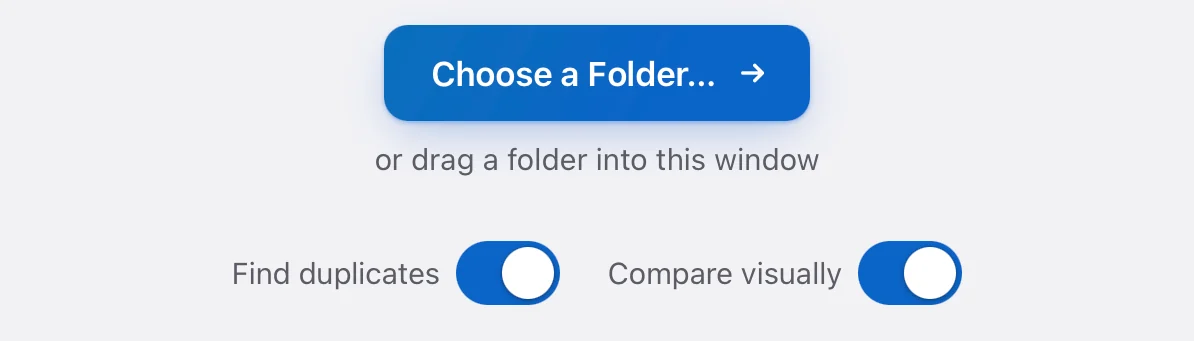
Choose that folder in Camfold.
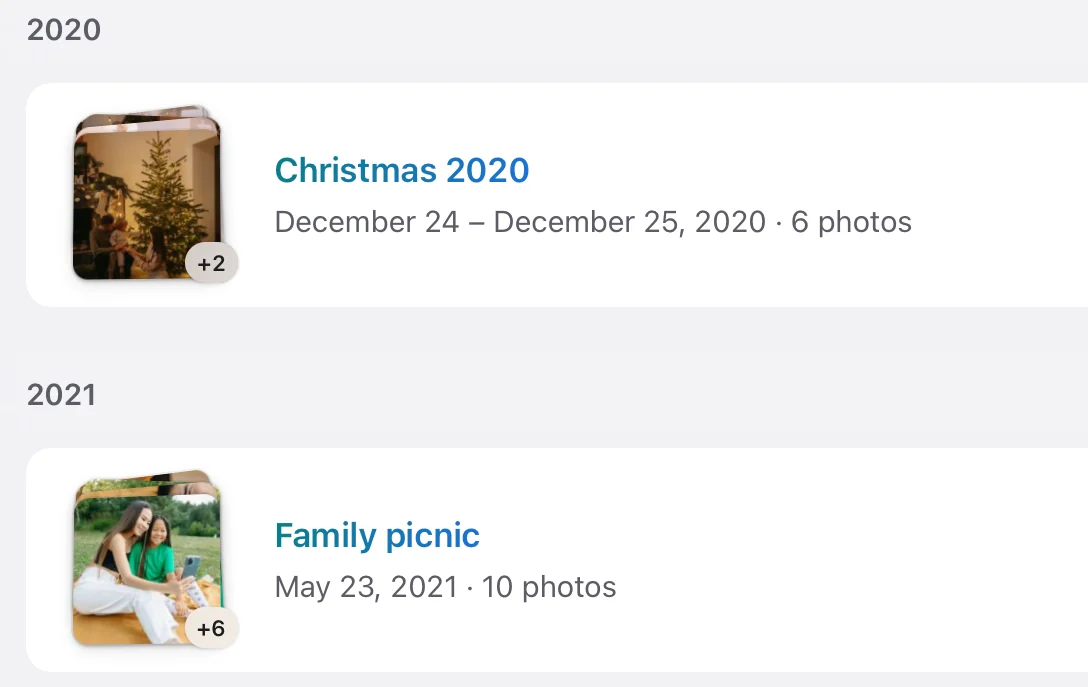
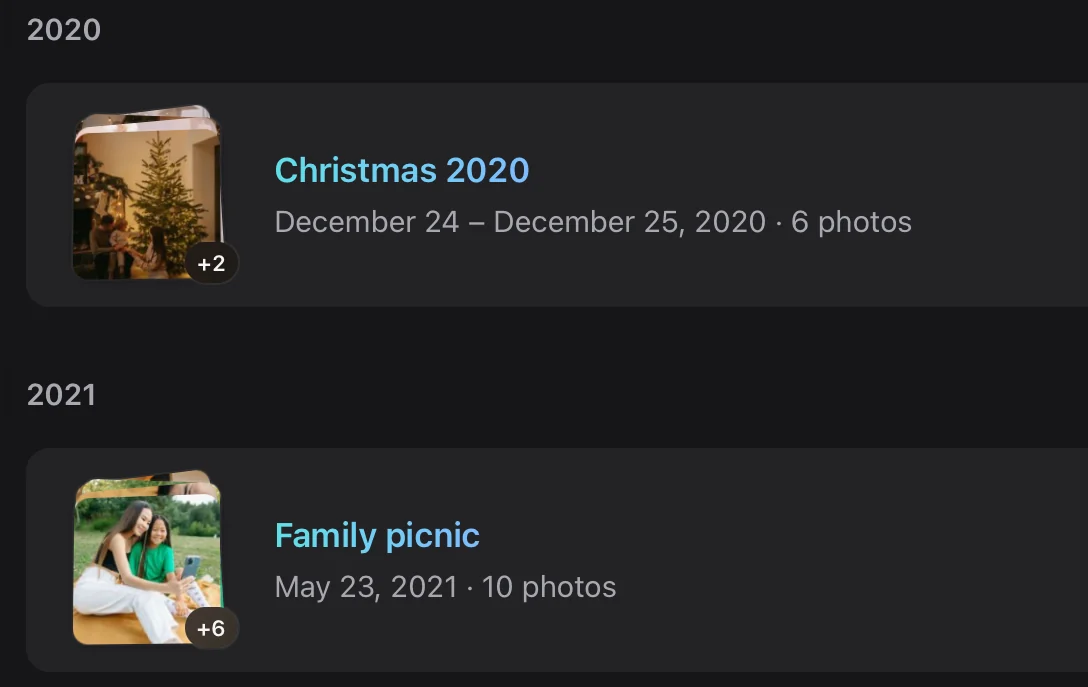
Camfold reads the dates, cameras and places in your photos and videos, and suggests a folder for every event and trip.
Check every group.
You see exactly which folders Camfold will create. Nothing has moved yet.
Move, and undo if you change your mind.
Photos and videos move into new folders inside CAMFOLD/, within the folder you chose. Undo uses your saved Move history to put them back, provided the required records and files remain available. Camfold doesn’t make a backup copy, so keep your usual backup.


Anything else? See Support, or write to [email protected]